¶ 1. Scanner Settings
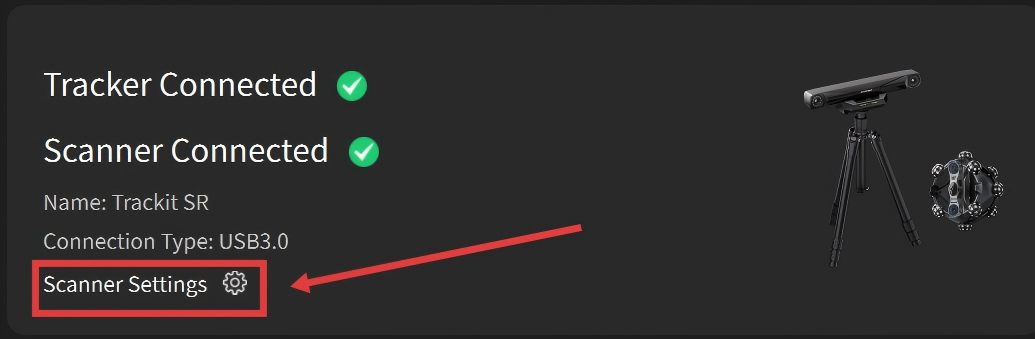 |
The Scanner Settings page allows you to view the device's SN information and firmware version. When Trackit SR is connected, you can perform IMU Calibration or configure Wi-Fi settings here. |
¶ 1.1 Scanner Info
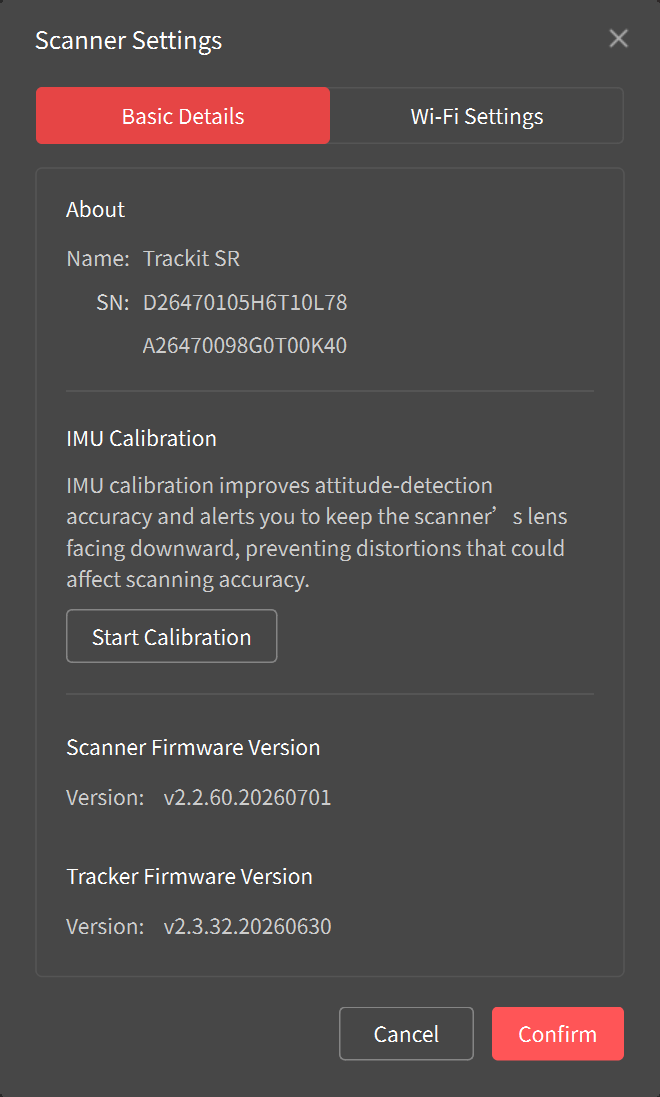 |
Scanner Info Shows the device name and the serial numbers of the Tracker and Scanner. IMU Calibration This feature is used to calibrate the Scanner IMU when Trackit SR is connected. If the Scanner is placed incorrectly, a pop-up message will prompt you to perform IMU calibration. You can also click Start Calibration here and follow the on-screen instructions to complete IMU calibration. Firmware Version Displays the firmware versions of the Scanner and Tracker. When a new firmware version is available, an Update button appears. Click it to update the firmware. |
¶ 1.2 Wi-Fi Settings
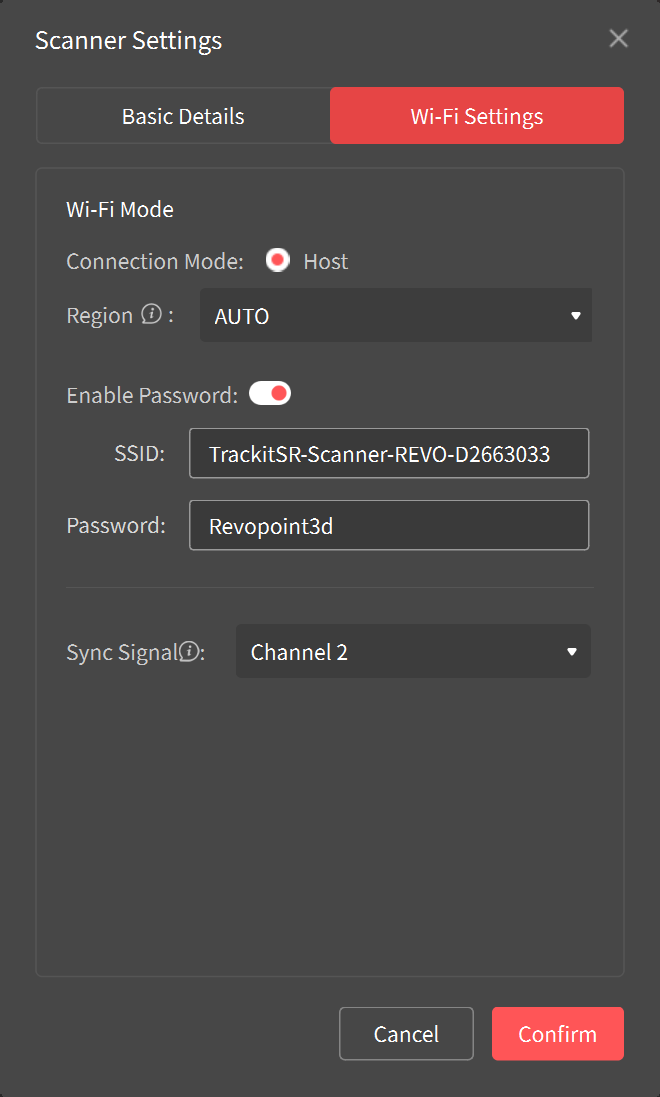 |
Wi-Fi settings are available only for Trackit SR. Before using the Wi-Fi connection for the first time, connect the Trackit SR via a wired connection to configure the Wi-Fi settings in Revo Track. ① Ensure "Host" is selected, then click "Confirm". The software will send the Wi-Fi configuration to the Tracker and Scanner. ② Open your computer's Wi-Fi list, search for the Wi-Fi network called TrackitSR-Scanner-REVO-XXXXXXXX, enter the default password “Revopoint3d”, and connect. Note: Wi-Fi configuration is required only before using the Wi-Fi connection for the first time. |
¶ 2. Software Settings
|
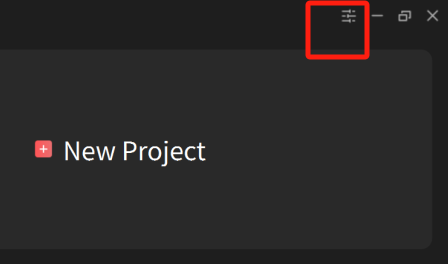
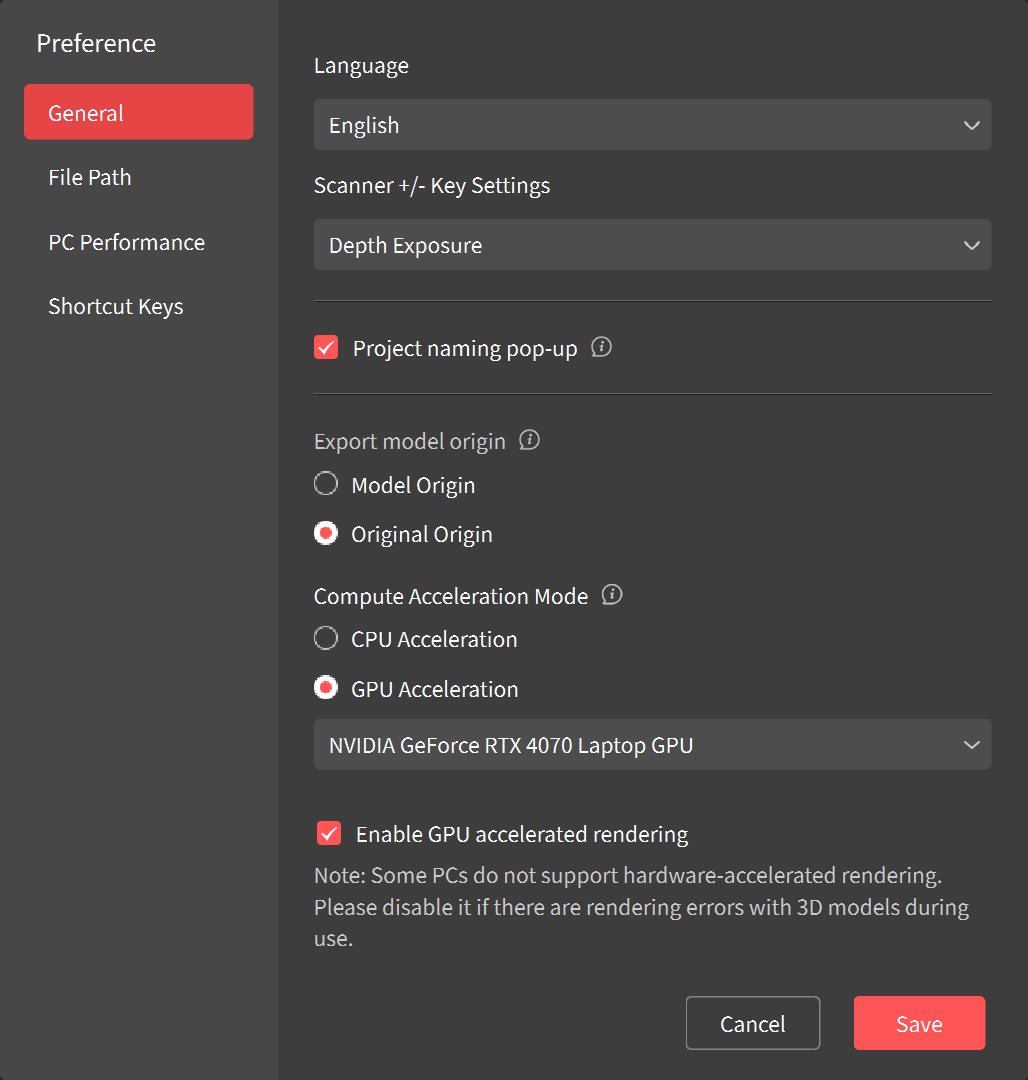
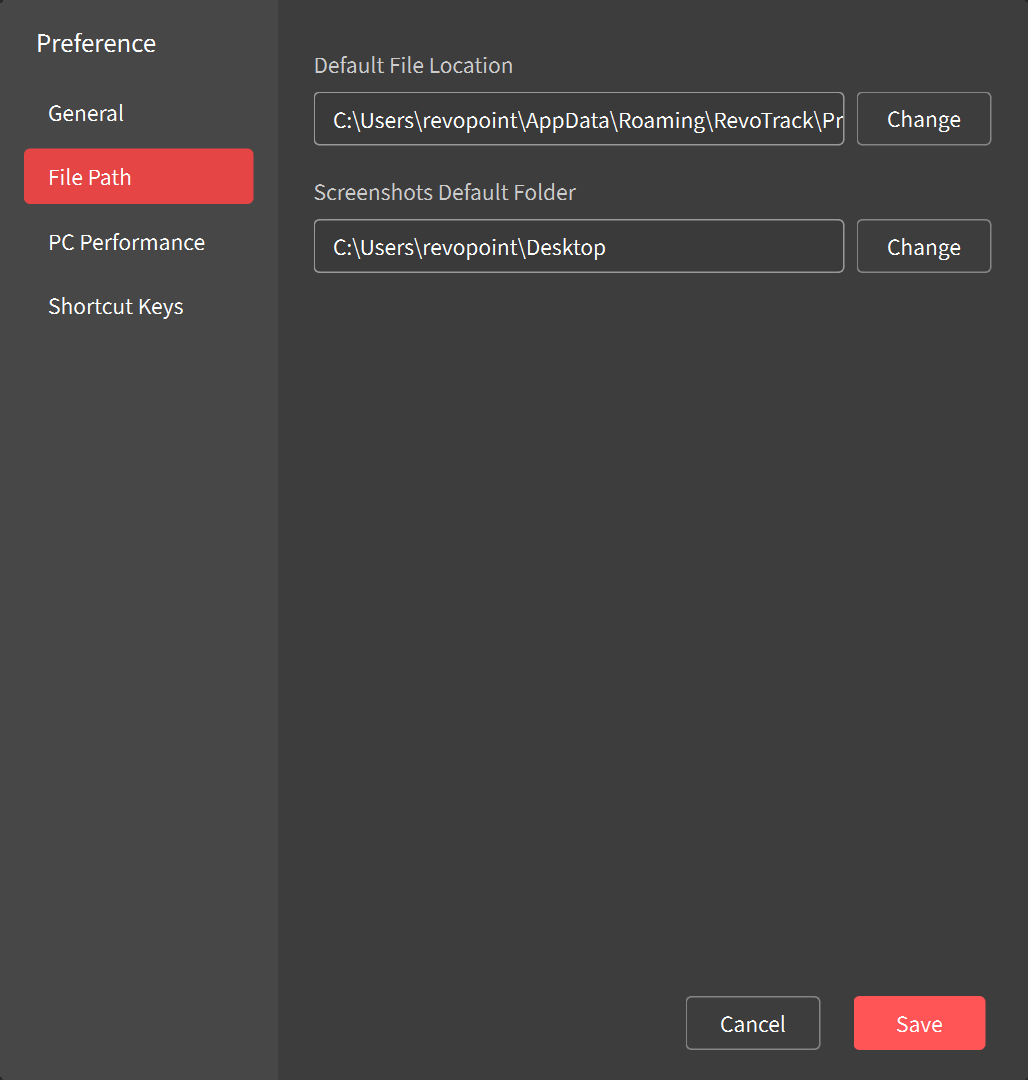
Click on the Settings icon in the top right corner to access Revo Track's settings. |
|
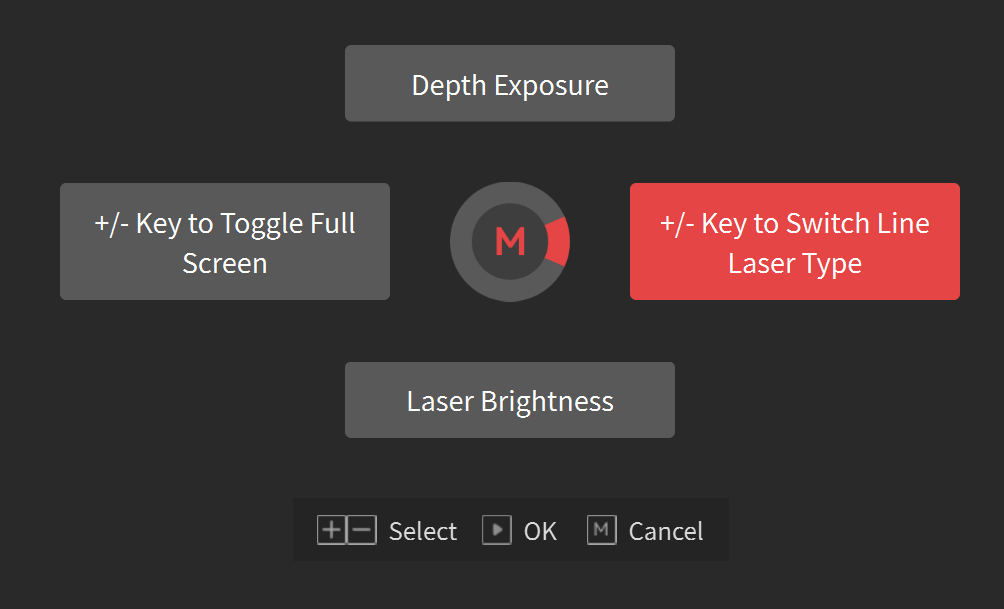 Model Origin: The coordinate origin is set at the center of the front surface of the scanned object's bounding box. Original Origin: The coordinate origin is the left camera after epipolar rectification of the scanner, or the coordinate origin of the imported global marker. Note: GPU accelaration is only supported on NVIDIA GeForce RTX 30 Series and 40 Series GPUs on Windows. |
|
|
|
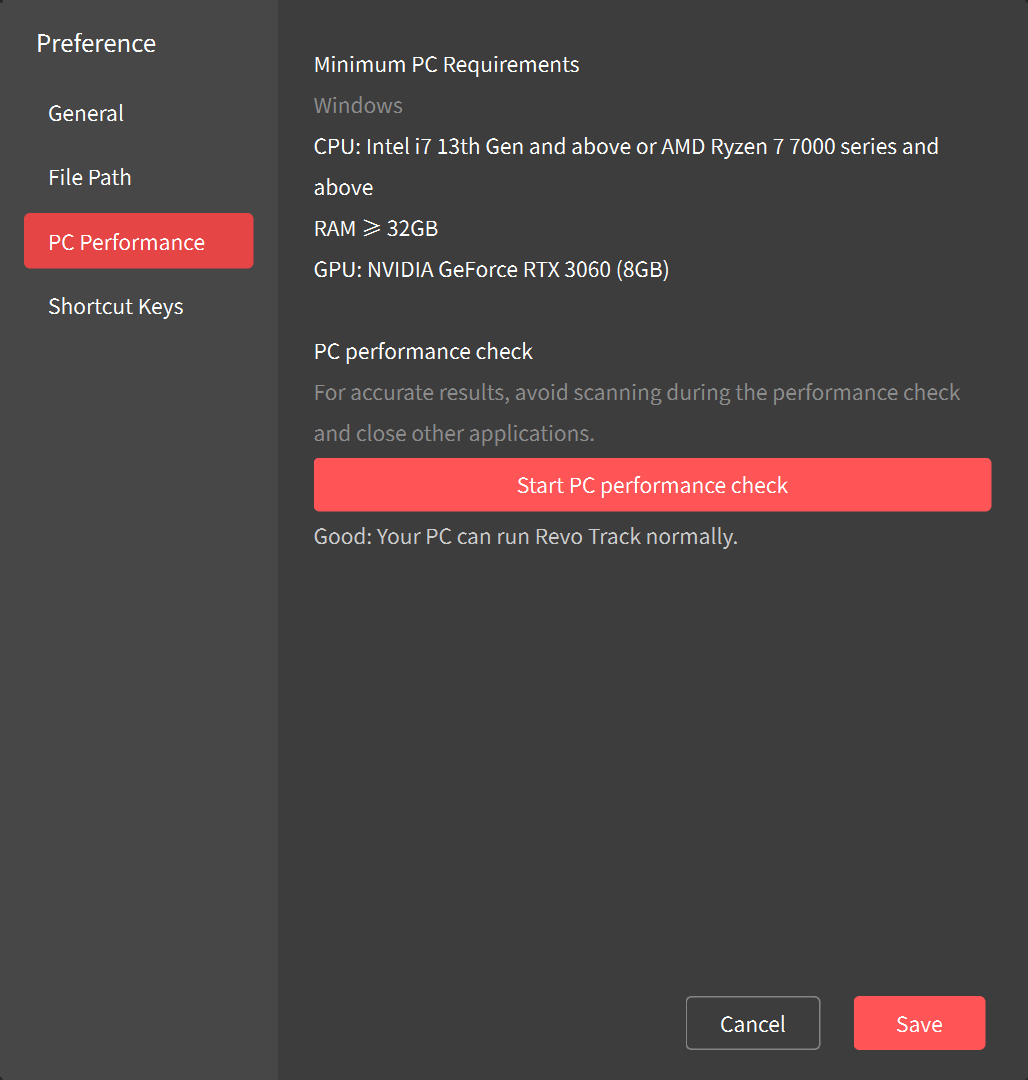
Test your PC's performance to see if it can run Revo Track smoothly. |
|
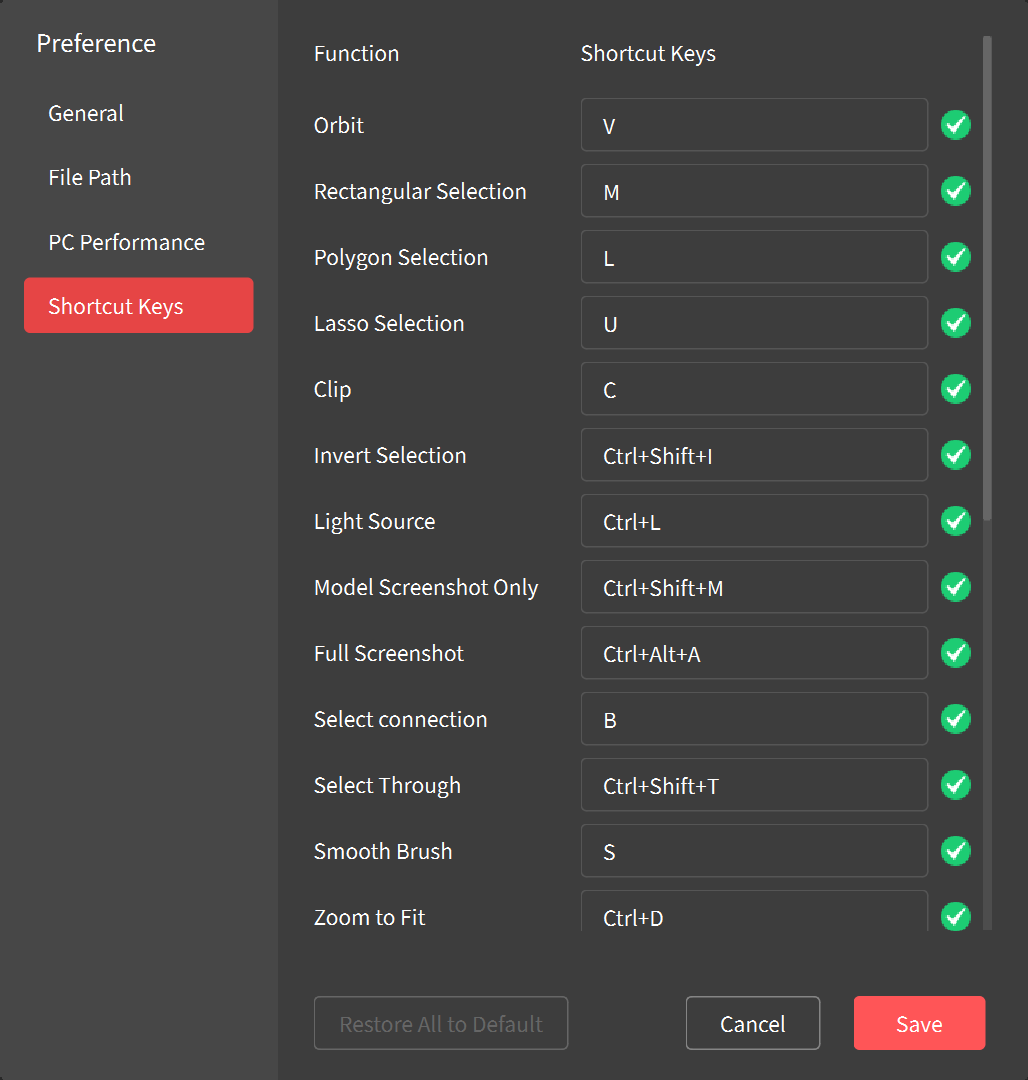
Customize the shortcut keys of the software functions according to your requirements. Click on the shortcut key input field and enter your preferred key combination. |
|
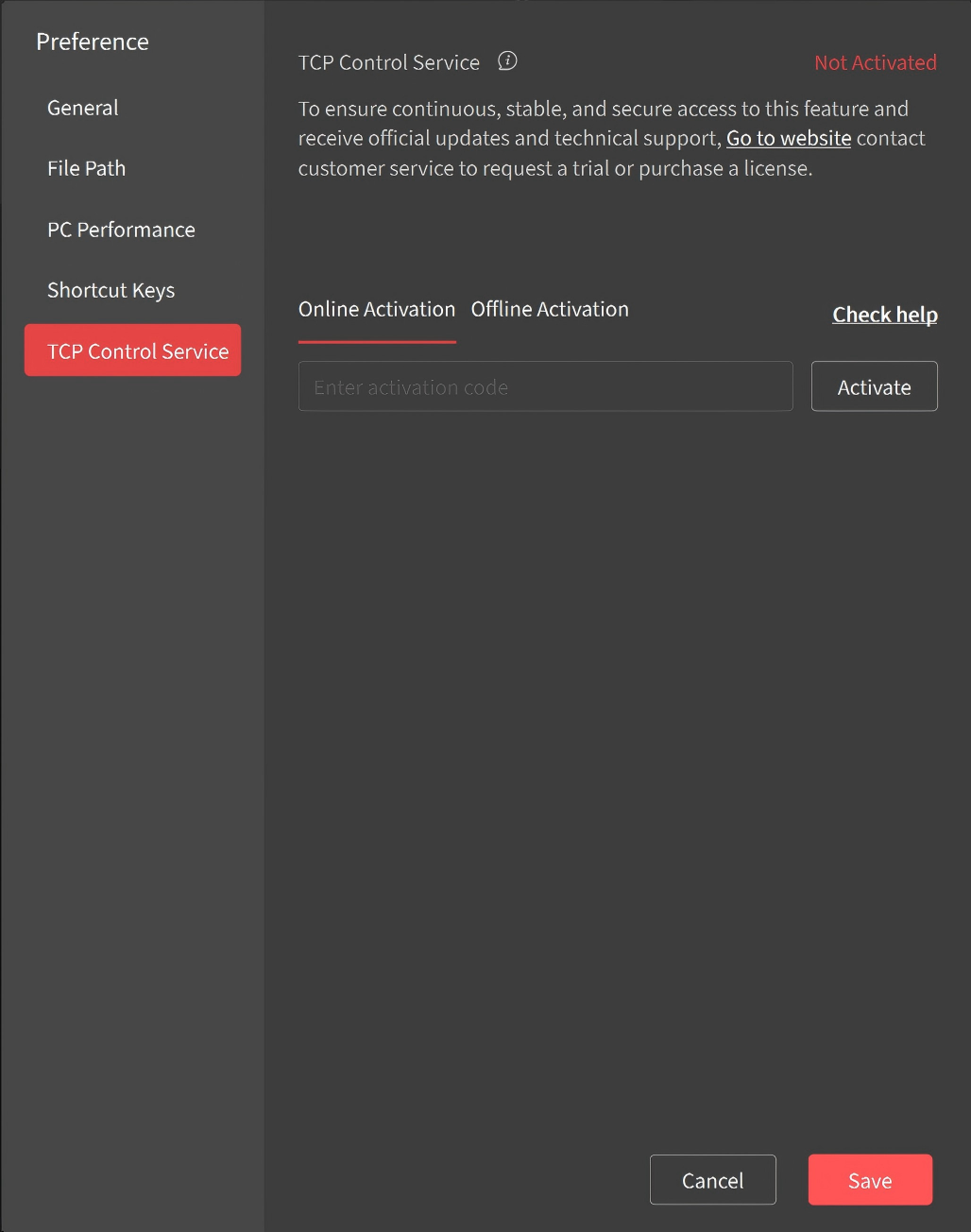
TCP Control Service: Revo Track supports TCP control service for some second-development needs. Activation is required to use the TCP feature. Click here to access the activation methods. |